How can I pay my AMC dues?
AMC dues can be paid through both online and offline modes. If you choose to pay online, you can do so via MyGeojit or the FLIP App.
* Via geojit.com—click here for AMC Payment

- Online via MyGeojit
Step 1. Log in to MyGeojit
Step 2. Go to My Account > Funds > DP AMC
Step 3. Select DP Id and the Your AMC dues will be listed
Step 4. Click Pay to proceed with the payment
Step 5. You will be redirected to the payment portal. Click Pay and select the payment method
Step 6. Make the payment via the desired method.
How to pay AMC dues via Flip?
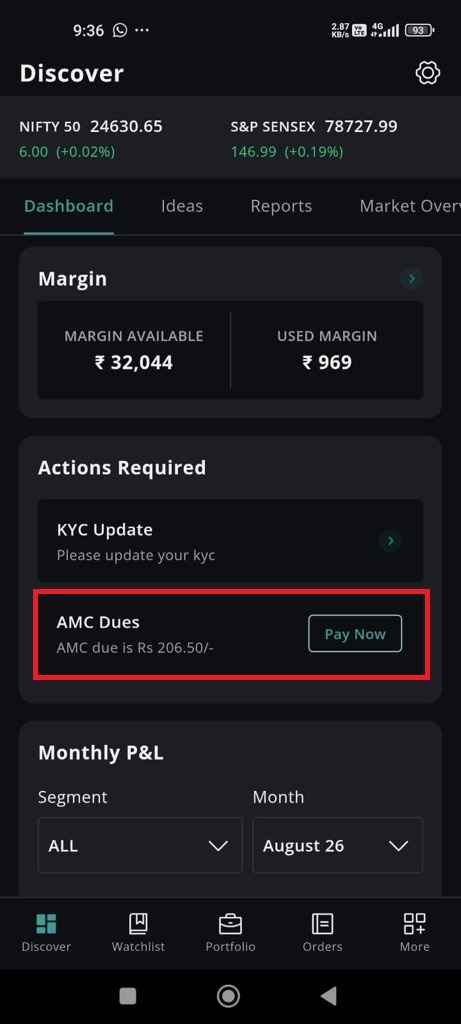
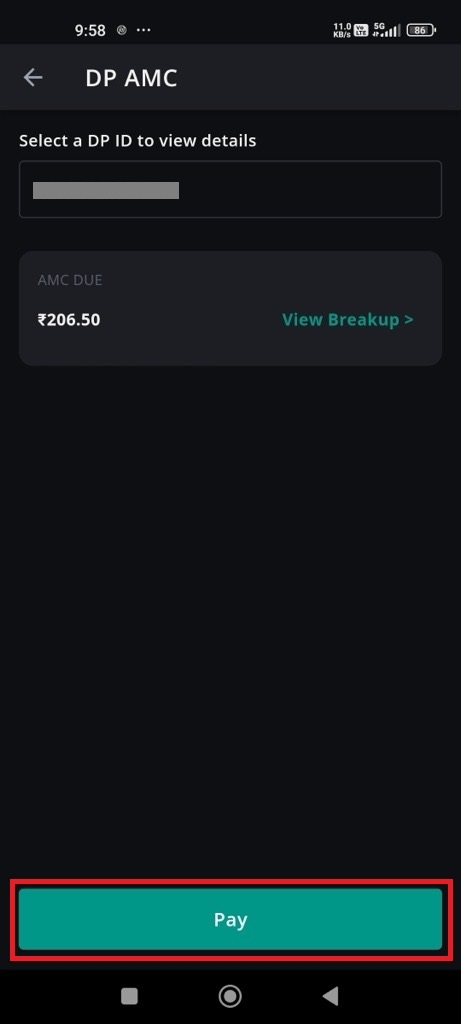
- Your DP ID and the outstanding AMC due amount will be displayed here.
- Click on the 'Pay' button given towards the end of the page.
- You will now be redirected to the payment screen.
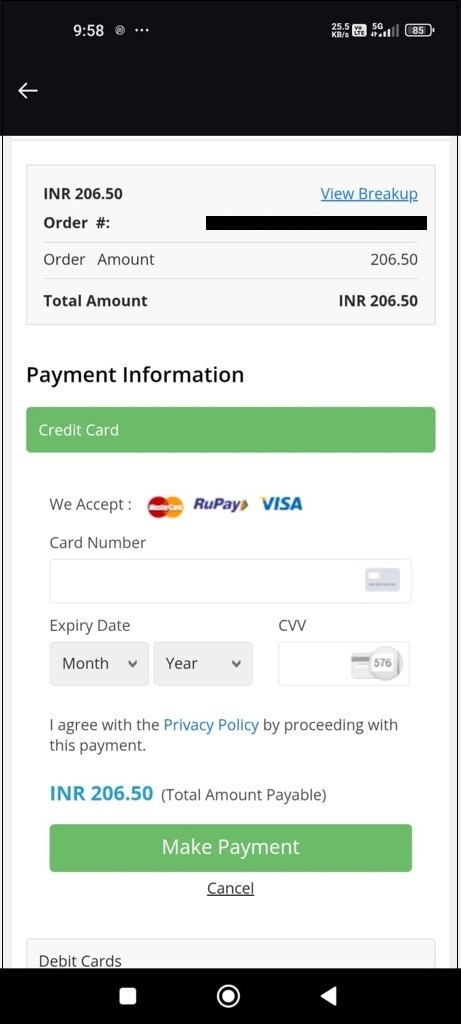
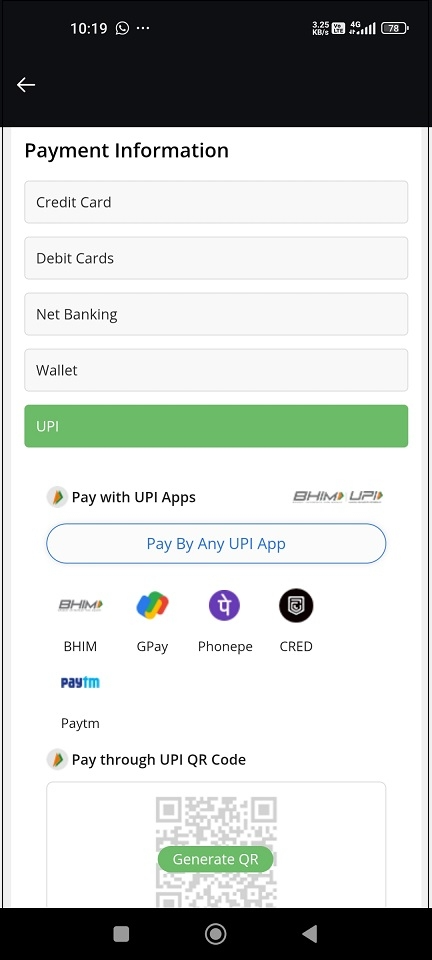
- Offline—
You can also choose to pay your AMC at your Geojit branch
Still need help? Create Ticket


