How to view the Chart page?
Refer to the Flip Mobile Manual to see details on Chart page.
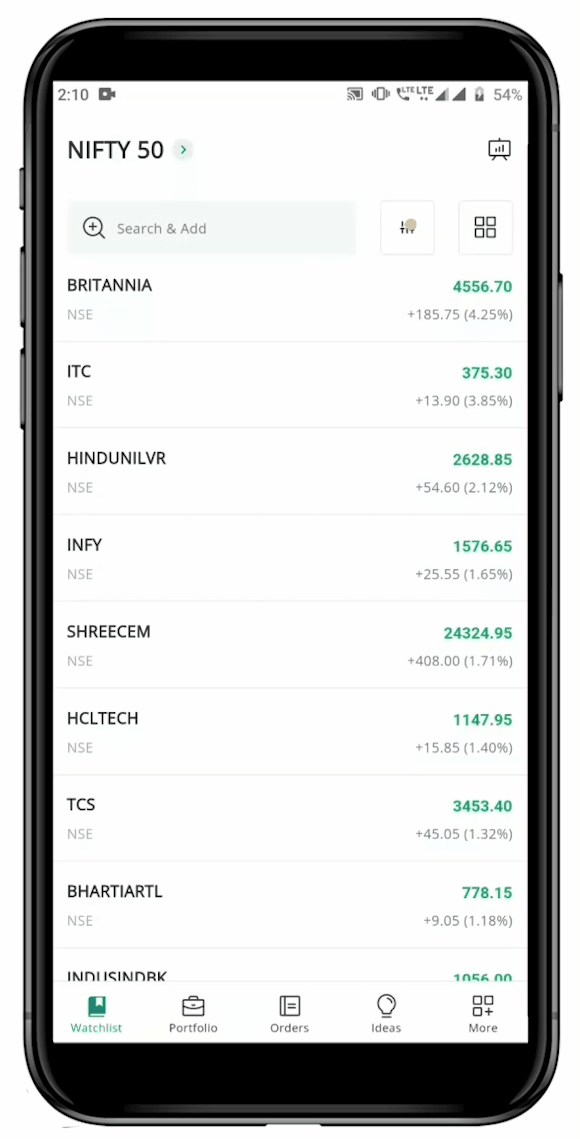
To open "Chart" of a security, follow these steps:
Still need help? Create Ticket
Refer to the Flip Mobile Manual to see details on Chart page.
To open "Chart" of a security, follow these steps:
Still need help? Create Ticket


