What happens if I enter the wrong password multiple times?
If you attempt to log in to MyGeojit/FLIP using an incorrect password three consecutive times, you will be required to authenticate your login using an OTP sent to your registered email ID or mobile number.
Enter the OTP along with the correct password and click Login to access your account successfully.
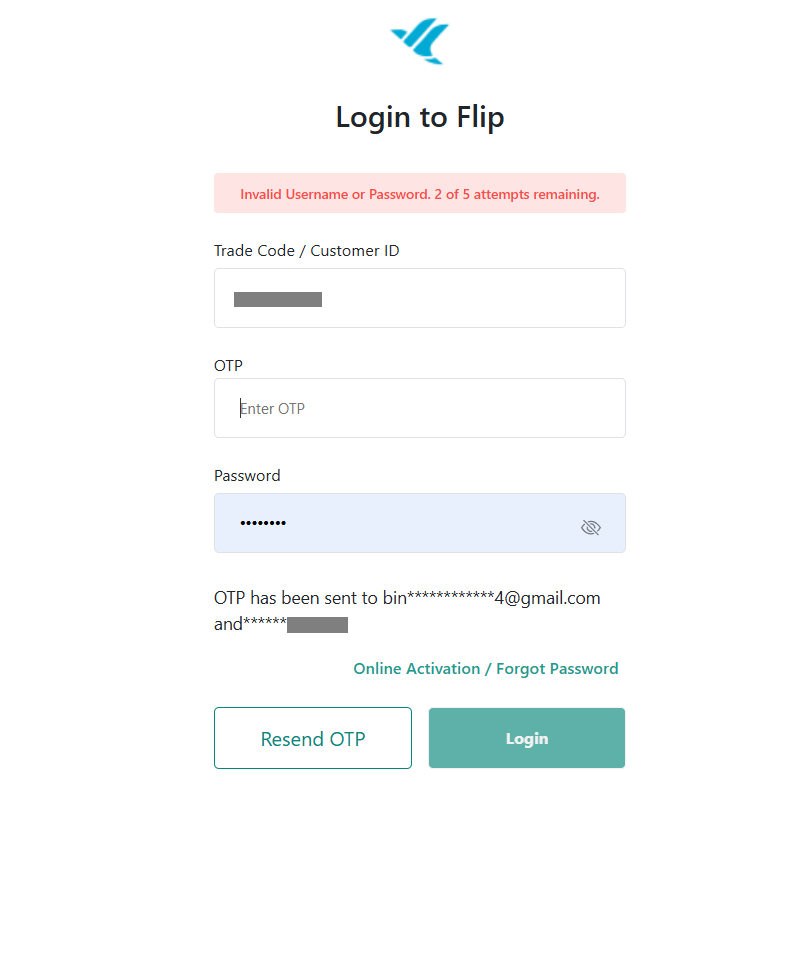
If you want to reset the password click on 'Forgot Password'.Your account will be locked/disabled if you enter your password incorrectly for five consecutive times. In such cases, follow the below steps to unlock your account :
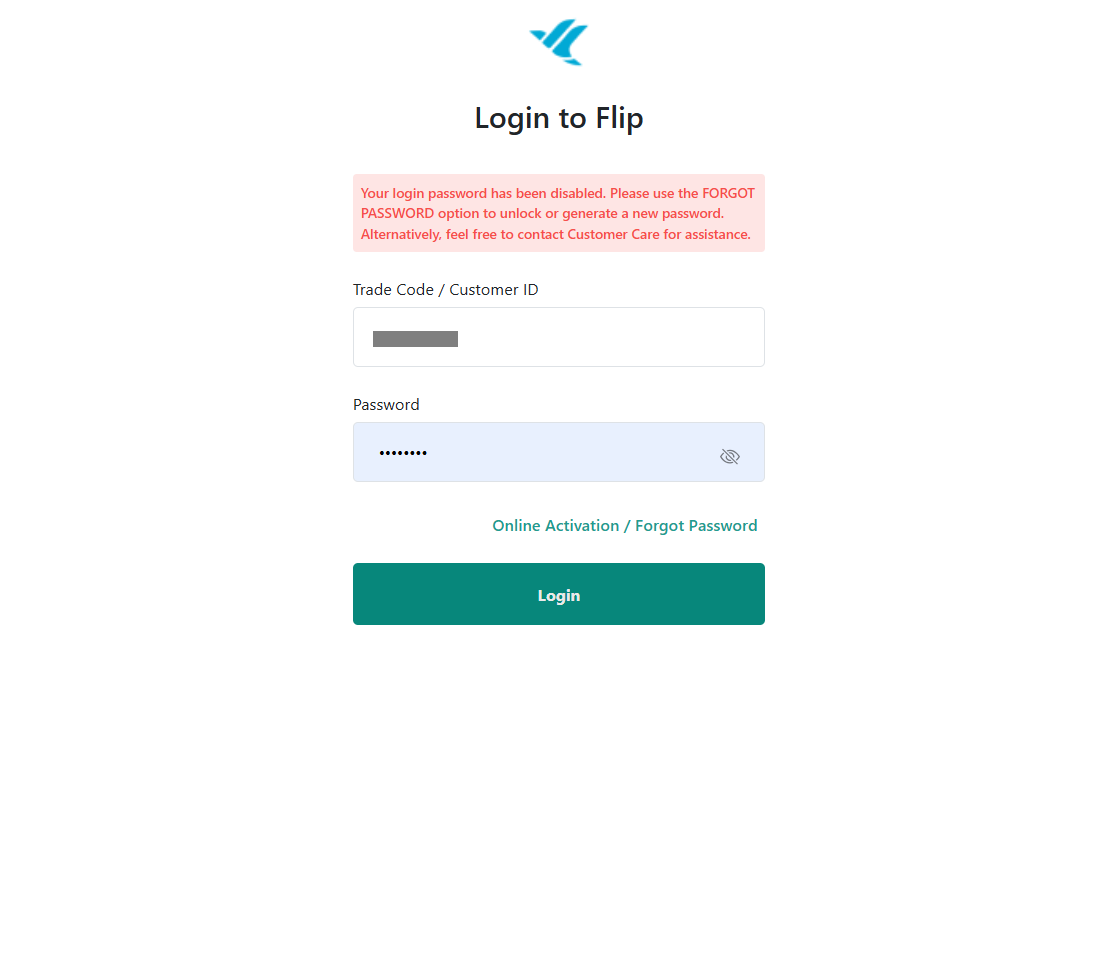
To enable your password online:
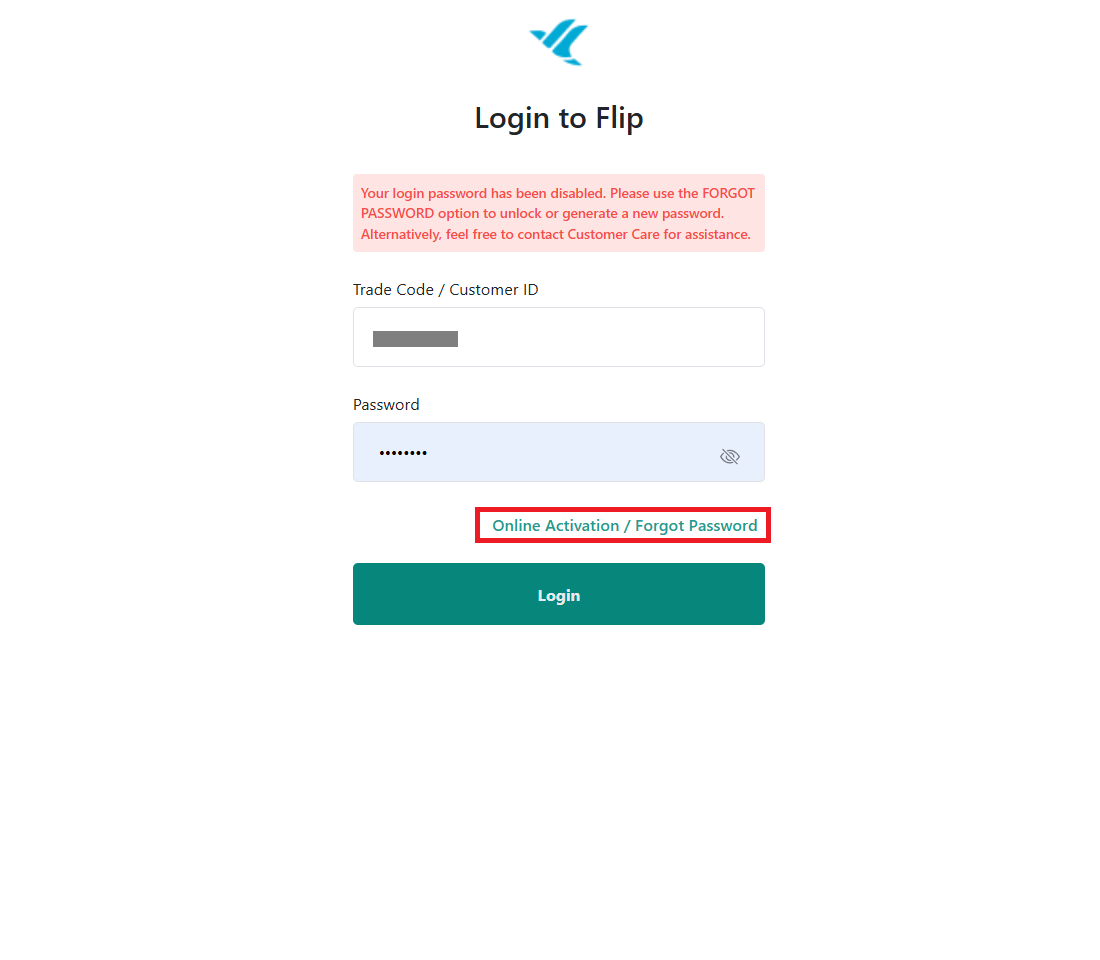
Step 1. Go to the MyGeojit / Flip login page and select Online Activation/ Forgot Password.
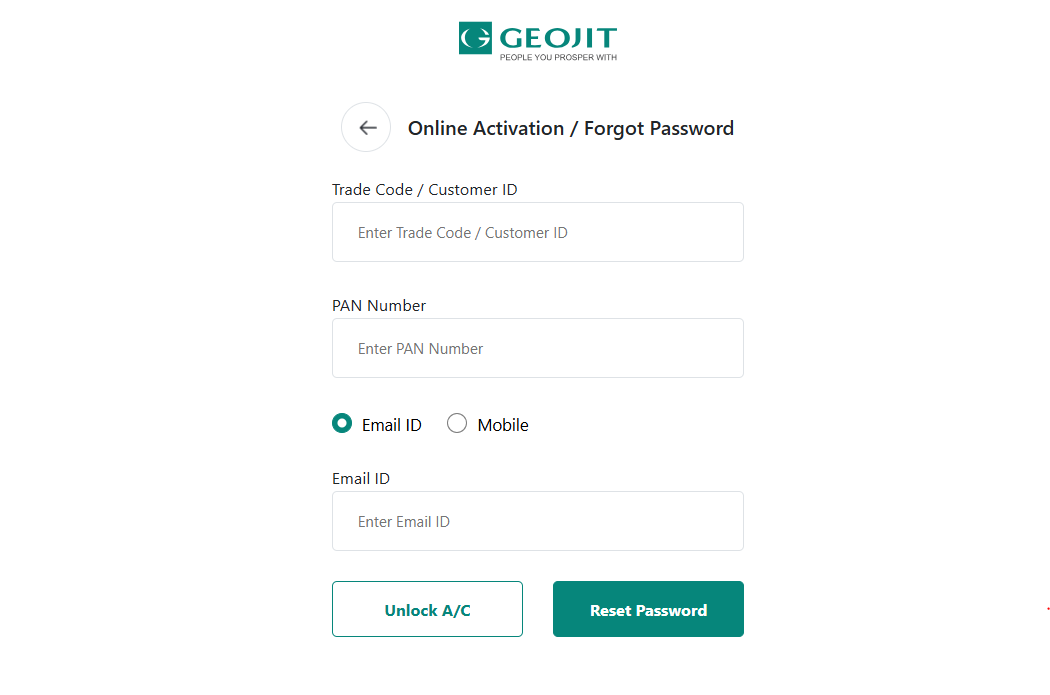
Step 2. Enter your Trade code / CID (Customar ID) / ACC No / DP Client ID
Step 3. Enter your PAN Number
Step 4. Select and enter either your registered email ID or mobile number.
Step 5. Select Unlock A/C
Step 6. Enter the OTP sent to your registered email ID/ mobile number
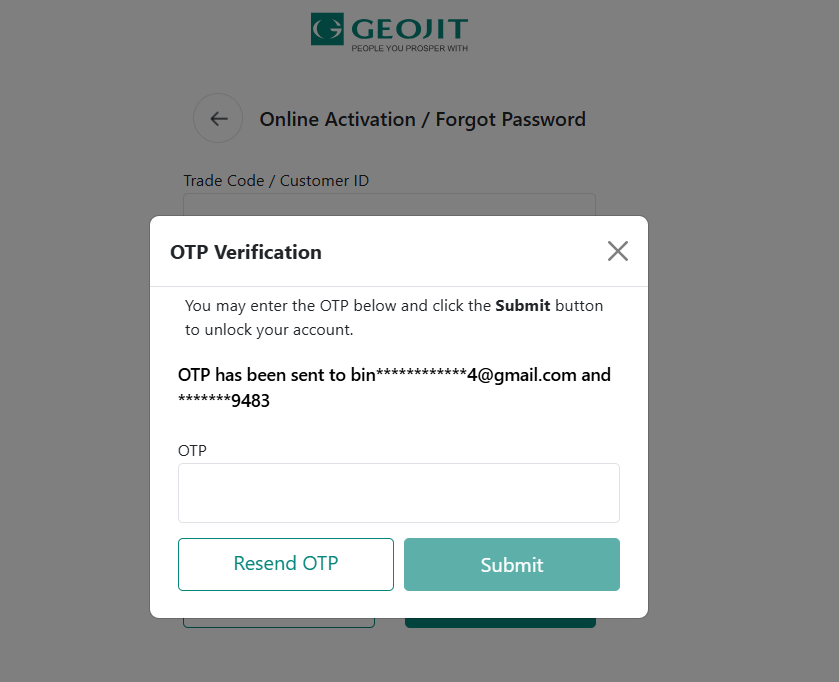
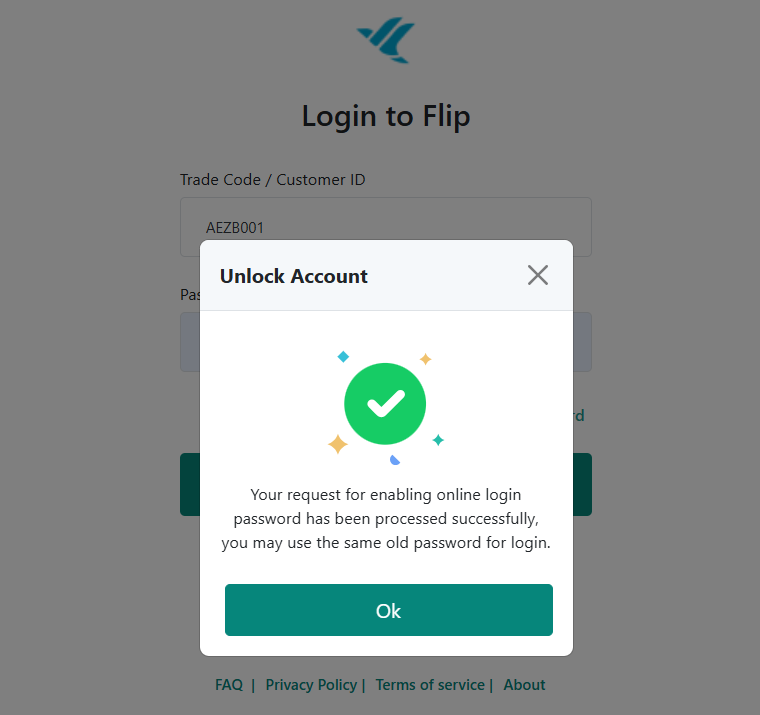
On successful validation of the OTP, your account will be unlocked. You will be able to log in using the existing password.
Alternatively, you can call our customer care line to unlock your account.
* Unlocking an account can only be used, if you know your password.

* In case you do not know your password, you can use the Forgot Password option instead.
Still need help? Create Ticket


